Video content has become one of the most effective ways for businesses, creators, and brands to communicate online. However, simply recording footage is not enough to capture audience attention. Modern viewers expect videos that are visually engaging, easy to understand, and professionally presented.
This is where motion graphics techniques play an important role.
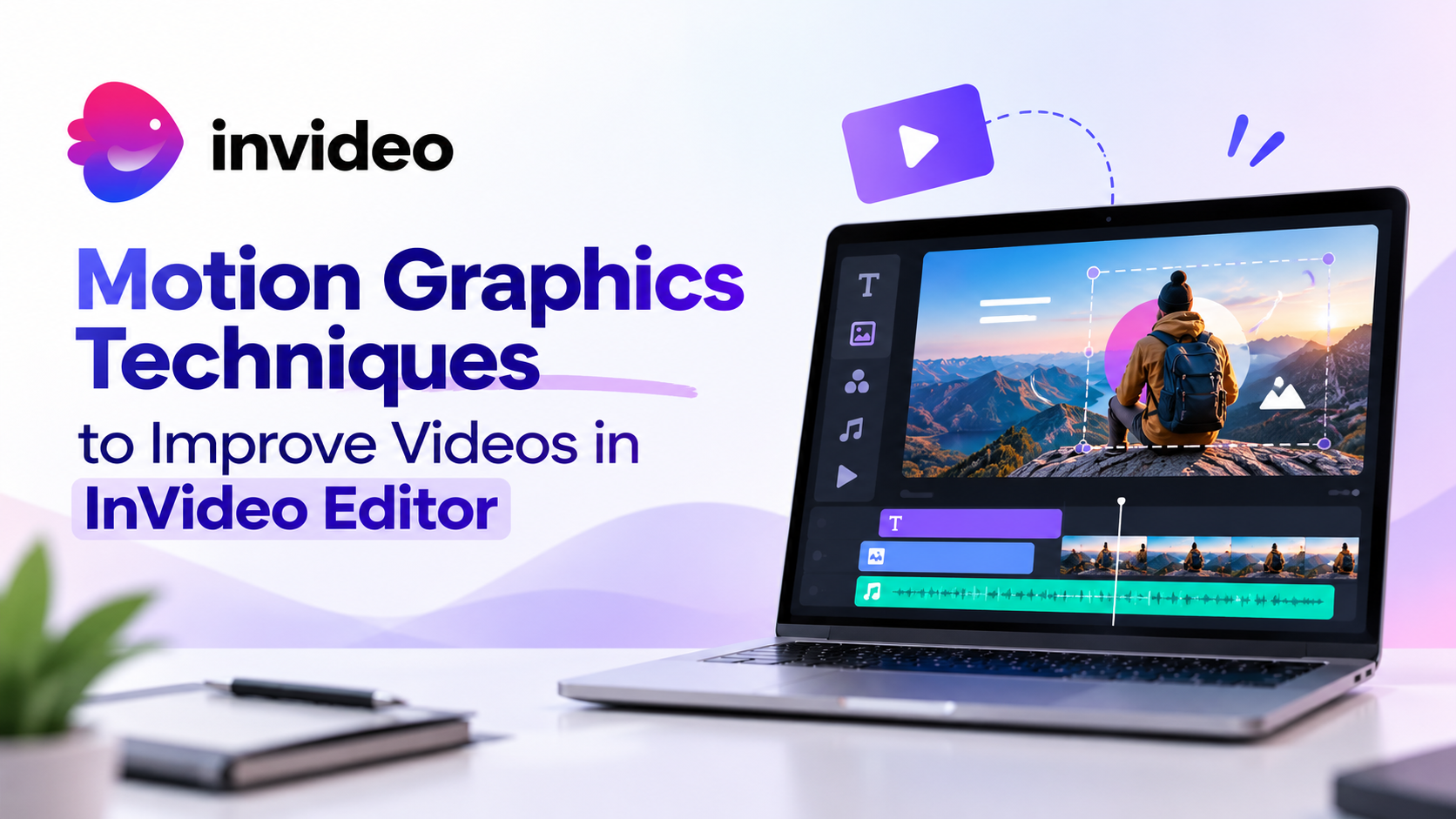
Motion graphics combine animation, design, text, and visual effects to make videos more dynamic. From animated titles and transitions to moving graphics and visual storytelling elements, these techniques help transform ordinary footage into engaging content.
For creators, learning how to use motion graphics in video editing can improve storytelling, increase viewer retention, and create a stronger visual identity.
With the growth of AI video creation tools, creators now have more opportunities to add professional-looking effects without spending hours manually designing every element.
Why Are Motion Graphics Important in Modern Video Creation?
Motion graphics are not only about adding visual effects. They help communicate information more effectively.
For example, a business presentation can use animated charts to explain data. A YouTube creator can use text animations to highlight important points. A marketing video can use branded motion elements to create a consistent visual style.
The right motion design elements can help viewers understand content faster and remember key messages.
For creators who publish frequently, using efficient editing techniques for creators is important because it allows them to maintain quality while producing content consistently.
What Are the Most Effective Motion Graphics Techniques for Videos?
There are several motion graphics techniques that can improve the quality of videos. The right approach depends on the type of content, audience, and storytelling goals.
1. Animated Text and Kinetic Typography
Text animation is one of the most commonly used motion graphics techniques.
Static text can provide information, but animated text creates movement and attracts attention. Kinetic typography uses movement, timing, and visual style to make words feel more connected to the message.
Creators can use animated text for:
- Highlighting important statements
- Creating engaging introductions
- Adding subtitles with movement
- Emphasizing statistics or key points
This technique works especially well for social media videos, tutorials, advertisements, and educational content.
When used correctly, animated text can improve video quality without distracting viewers from the main message.
2. Smooth Transitions Between Scenes
Transitions help connect different parts of a video.
Basic cuts work for many situations, but creative transitions can improve the flow between scenes. Motion-based transitions such as zoom effects, slide animations, and graphic movements can make videos feel more polished.
However, transitions should support the story rather than become the main focus.
Professional editors use transitions to maintain pacing and guide viewers through different sections of a video.
3. Adding Motion Design Elements
Motion design elements include shapes, icons, graphics, and animated illustrations that support the visual story.
Examples include:
- Animated logos
- Infographic elements
- Callout graphics
- Progress indicators
- Decorative animations
These elements are useful for explaining complex ideas in a simple way.
For example, a software company can use animated interface elements to explain a product feature. A trainer can use visual indicators to highlight important learning points.
Motion graphics for videos become more effective when they are designed around the message rather than added randomly.
4. Using Visual Effects to Enhance Storytelling
Visual effects can add depth and creativity to video content.
Some useful effects include:
- Background animations
- Light effects
- Camera movement simulations
- Overlay animations
- Color enhancements
These techniques can help creators develop a unique style.
However, effective editing is about balance. Too many effects can make videos feel overwhelming. The goal should always be to improve clarity and viewer experience.
5. Creating Engaging Video Intros and Hooks
The first few seconds of a video are critical.
Creators need strong openings to encourage viewers to continue watching. Motion graphics can improve video introductions by adding:
- Animated titles
- Dynamic logo reveals
- Fast visual changes
- Attention-grabbing text
For platforms where users quickly scroll through content, these techniques can help make videos more engaging.
6. Improving Video Quality With Color and Visual Enhancements
Motion graphics work does not exist separately from other editing processes.
Color correction, visual consistency, and overall presentation also influence how professional a video feels.
Creators can use:
- Color adjustments
- Visual filters
- Consistent branding elements
- Background enhancements
These improvements help create a complete viewing experience.
When combined with motion graphics techniques, these adjustments can significantly improve video quality.
7. Creating Platform-Specific Video Versions
Modern creators often publish content across multiple platforms.
A single video may need different versions for:
- YouTube
- Instagram
- TikTok
- Websites
- Marketing campaigns
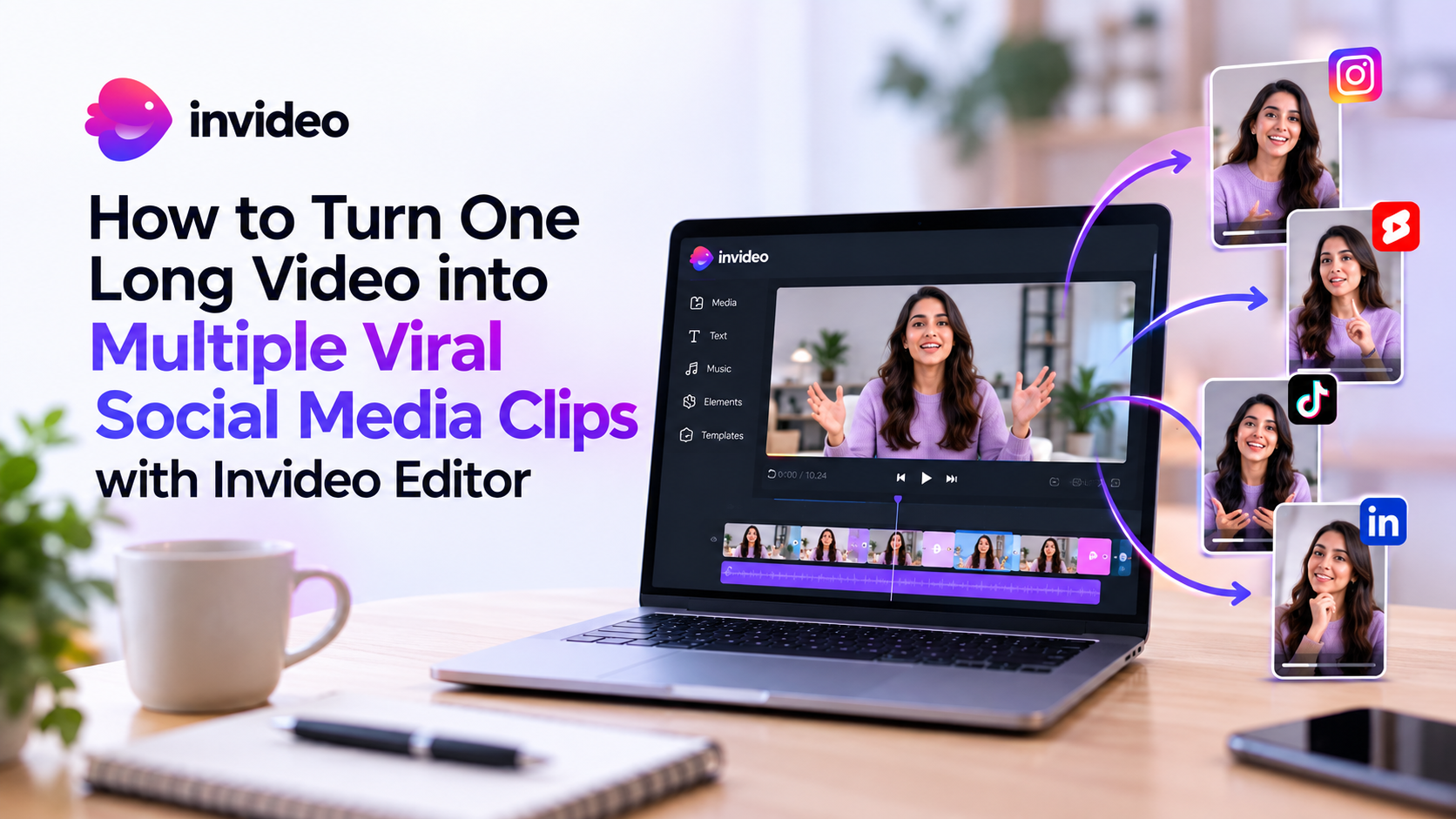
Motion graphics can help adapt videos for different audiences by changing layouts, text placement, and visual elements.
Invideo Editor supports workflows where creators can continue refining projects and create different versions based on their publishing needs.
This flexibility is valuable for teams and individuals who rely on content creation tools for regular publishing.
8. Using AI-Assisted Editing for Faster Production
AI is becoming an important part of modern video workflows.
AI-powered editing can help creators review footage, organize content, and speed up production steps.
Invideo Editor allows creators to work with AI editing agents that can assist with tasks such as footage review, selecting usable material, and building an editable starting point.
This approach helps reduce repetitive editing work while allowing creators to focus on creative direction.
The future of video production will likely combine human creativity with AI assistance. Instead of replacing editors, AI helps them work more efficiently.
Creating motion graphics traditionally requires knowledge of animation software, design principles, and editing workflows.
Today, AI video editing tools are helping creators simplify many parts of the process.
AI can assist with:
- Generating video concepts
- Creating visual assets
- Organizing content
- Improving editing speed
- Automating repetitive tasks
This allows creators to focus more on creative decisions instead of spending most of their time handling manual operations.
Invideo Editor combines a professional editing timeline with AI editing agents that can assist with different parts of the editing process. Creators can provide direction, review results, and continue refining their projects while keeping control over the final output.
Choosing the right editing platform depends on the type of content you create and the level of control you need.
For creators who want a simpler workflow, browser-based platforms can reduce technical barriers while still offering creative flexibility.
Invideo Editor provides an editing environment where creators can manage footage, refine sequences, and use AI assistance during the production process. For creators looking for efficient solutions, an Invideo Editor AI video creation tools workflow can help transform ideas into structured video projects faster.
The platform is useful for different types of creators, including YouTube creators, marketers, educators, and teams working on digital content.
A reliable video editor for content creators should provide both automation and creative control. AI can handle repetitive tasks, while creators continue making important storytelling decisions.
Final Thoughts
Motion graphics techniques can transform simple videos into more engaging and professional content. From animated text and transitions to visual effects and AI-assisted workflows, these techniques help creators communicate ideas more effectively.
The key is using motion graphics with purpose. Good design should support storytelling, improve understanding, and create a better viewer experience.
As AI continues to evolve, creators now have access to more powerful content creation tools that make professional video production easier.
Invideo Editor represents this shift by combining editing control with AI assistance, allowing creators to spend less time on repetitive tasks and more time developing creative ideas.
For modern creators, learning how to use motion graphics techniques effectively can become an important advantage in creating memorable video content.
Frequently Asked Questions
Motion graphics techniques involve using animation, text movement, visual effects, and graphic elements to improve the appearance and storytelling of videos.
Motion graphics can improve video quality by making content more visually appealing, highlighting important information, improving storytelling, and creating a professional look.
Yes, AI video editing tools can help simplify parts of the creative process by assisting with content creation, editing workflows, and repetitive tasks.
Creators can add animated text, transitions, logos, icons, visual effects, infographics, and other motion design elements to enhance videos.
Yes. Modern editing platforms and AI-powered tools make it easier for beginners to create professional-looking videos without advanced animation skills.