Starting an online store has become easier than ever, thanks to the wide range of ecommerce platforms available today. However, choosing the right platform is still one of the most important decisions for any business looking to sell products online.
If your website runs on WordPress or you're considering building an ecommerce store with complete control over design and functionality, you've likely come across WooCommerce.
WooCommerce is one of the most popular ecommerce solutions in the world, powering millions of online stores across various industries. From small businesses and startups to established brands, many companies rely on WooCommerce to manage their online sales.
If you're new to ecommerce, this guide will explain what WooCommerce is, how it works, its key features, and whether it's the right choice for your business.
Key Takeaways
- WooCommerce is a free ecommerce plugin built specifically for WordPress websites.
- It allows businesses to sell physical products, digital products, subscriptions, and services online.
- WooCommerce offers complete control over store design, functionality, and customization.
- Thousands of plugins and extensions are available to expand store capabilities.
- It is an excellent solution for businesses that want flexibility and ownership of their ecommerce platform.
What Is WooCommerce?
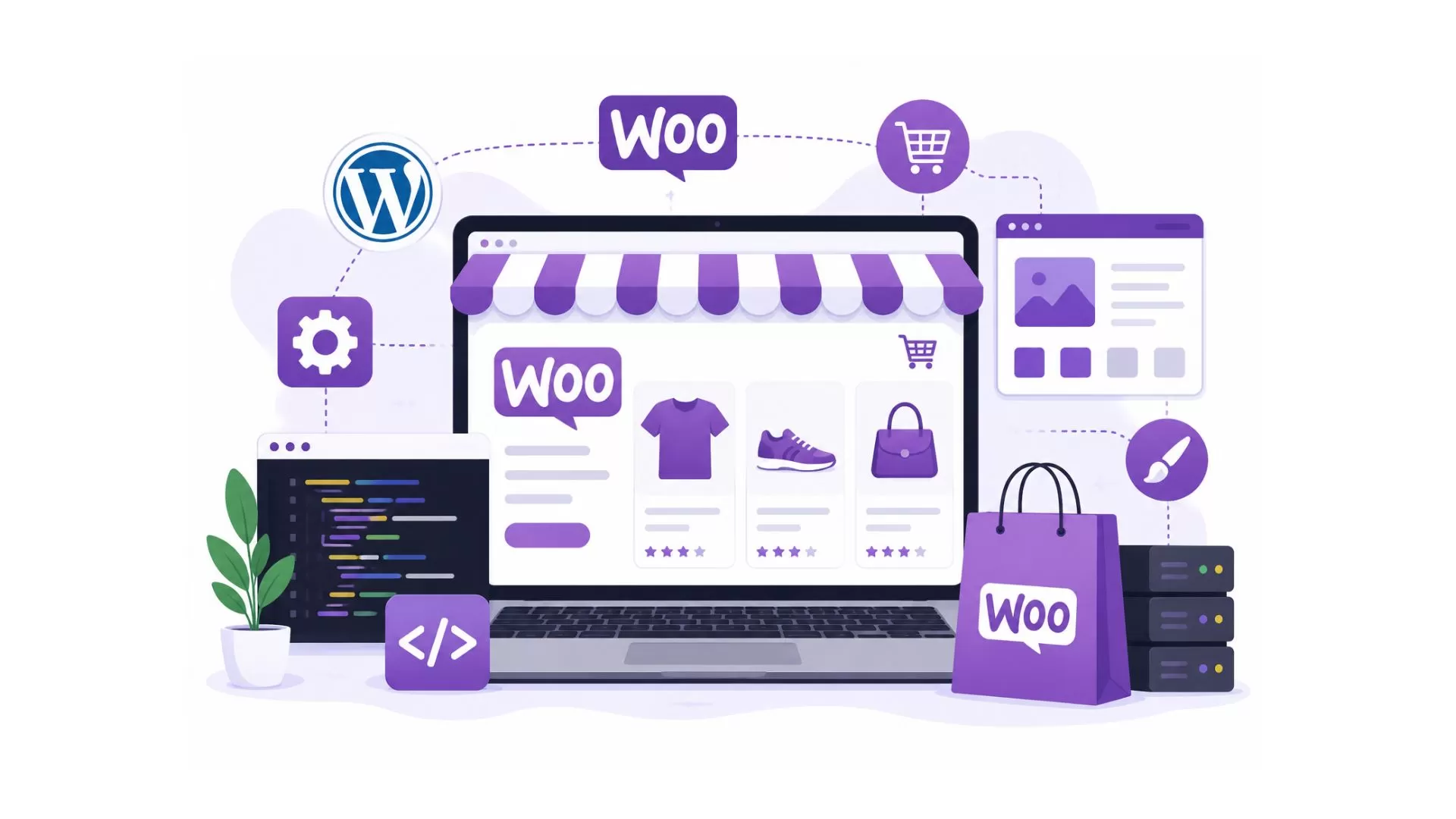
WooCommerce is an open-source ecommerce plugin for WordPress that allows users to transform a standard website into a fully functional online store.
Launched in 2011, WooCommerce quickly became one of the most widely used ecommerce platforms because it combines the flexibility of WordPress with powerful online selling features.
Unlike hosted ecommerce platforms, WooCommerce gives store owners complete control over their website, data, design, and functionality.
With WooCommerce, businesses can:
- Sell products online
- Manage inventory
- Accept payments
- Process orders
- Configure shipping
- Track customer activity
- Create marketing campaigns
Because WooCommerce is built on WordPress, it benefits from the world's largest website ecosystem, offering access to thousands of themes, plugins, and integrations.
How Does WooCommerce Work?
WooCommerce works as a plugin that adds ecommerce functionality to a WordPress website.
Once installed, it provides all the tools needed to build and manage an online store.
1. Install WordPress
Before using WooCommerce, you'll need a WordPress website.
WordPress serves as the foundation of your online store, while WooCommerce adds ecommerce features.
2. Install the WooCommerce Plugin
WooCommerce can be installed directly from the WordPress plugin directory.
After installation, the setup wizard helps configure essential store settings, including:
- Store location
- Currency
- Payment methods
- Shipping options
- Tax settings
3. Add Products
Once the setup is complete, you can start adding products to your store.
Each product can include:
- Product title
- Description
- Images
- Pricing
- Inventory details
- Product variations
- Shipping information
Detailed product pages improve the shopping experience and help customers make informed decisions.
4. Configure Payment Gateways
WooCommerce supports various payment methods.
Popular options include:
- Credit cards
- Debit cards
- PayPal
- Stripe
- Digital wallets
- Local payment providers
Store owners can choose payment gateways based on their business requirements and target audience.
5. Set Up Shipping
WooCommerce allows businesses to customize shipping settings.
Features include:
- Shipping zones
- Flat-rate shipping
- Free shipping
- Local pickup
- Carrier integrations
Flexible shipping options help improve customer satisfaction and support different business models.
6. Launch Your Store
Once products, payments, and shipping settings are configured, the store can go live.
If you're new to ecommerce, following a detailed WooCommerce store setup guide can help you understand the essential steps involved in launching a successful online store.
7. Manage Orders and Customers
After launch, WooCommerce provides tools to manage:
- Orders
- Inventory
- Customers
- Refunds
- Coupons
- Reports
This centralized system helps streamline store operations.
Key Features of WooCommerce
One of WooCommerce's biggest advantages is its extensive feature set.
Open-Source Flexibility
WooCommerce is open source, which means developers can customize nearly every aspect of the platform.
Businesses are not restricted by the limitations often found in closed ecommerce systems.
WordPress Integration
WooCommerce works seamlessly with WordPress.
This allows businesses to combine content marketing, blogging, and ecommerce within a single platform.
Unlimited Product Listings
WooCommerce does not limit the number of products you can sell.
Whether you offer ten products or ten thousand, the platform can support your inventory requirements.
Extensive Plugin Ecosystem
Thousands of plugins are available to extend WooCommerce functionality.
Popular plugin categories include:
- SEO
- Security
- Marketing
- Analytics
- Shipping
- Customer support
- Automation
Secure Payment Processing
WooCommerce integrates with leading payment providers and supports secure online transactions.
When combined with proper security measures, businesses can create a safe shopping experience for customers.
Advanced Product Management
Store owners can manage:
- Physical products
- Digital products
- Variable products
- Subscription products
- Memberships
This flexibility makes WooCommerce suitable for many business models.
SEO-Friendly Structure
Because WooCommerce runs on WordPress, it offers strong SEO capabilities.
Store owners can optimize:
- URLs
- Product pages
- Meta tags
- Content
- Images
- Internal links
Many businesses also invest in WooCommerce SEO strategies to improve visibility and attract more organic traffic.
Benefits of Using WooCommerce
WooCommerce offers several advantages for businesses that want flexibility and control.
Full Ownership
Unlike hosted platforms, WooCommerce allows businesses to own and control their website and data.
There are no platform restrictions limiting how the store operates.
Cost-Effective Solution
The WooCommerce plugin itself is free.
Businesses only pay for:
- Hosting
- Domain registration
- Premium themes
- Extensions
- Custom development
This makes WooCommerce an attractive option for startups and small businesses.
Highly Customizable
WooCommerce can be customized to match specific business requirements.
From design modifications to advanced integrations, the platform offers significant flexibility.
Scalability
WooCommerce can grow alongside your business.
With the right hosting and optimization strategies, it can support increasing traffic and product catalogs.
Large Community Support
Because WooCommerce is widely used, businesses have access to a large community of developers, agencies, and resources.
Finding support and solutions is relatively easy compared to niche platforms.
Need WooCommerce Development Help?
Build a secure, scalable, and high-performing WooCommerce store tailored to your business needs.
Explore WooCommerce Development Services
Who Should Use WooCommerce?
WooCommerce is suitable for many types of businesses.
Small Businesses
Small businesses often choose WooCommerce because it provides professional ecommerce functionality without large upfront costs.
Content-Driven Businesses
Companies that rely heavily on blogging and content marketing benefit from WooCommerce's integration with WordPress.
Growing Ecommerce Brands
Businesses expecting long-term growth appreciate WooCommerce's flexibility and scalability.
Service-Based Businesses
WooCommerce can be used to sell services, appointments, memberships, and digital products.
Businesses Requiring Customization
Companies with unique requirements often prefer WooCommerce because of its extensive customization capabilities.
WooCommerce vs Traditional Ecommerce Development
Many business owners compare WooCommerce with custom ecommerce development.
Here are some key differences.
| WooCommerce | Traditional Ecommerce Development |
| Faster implementation | Longer development timeline |
| Lower initial investment | Higher upfront cost |
| Large plugin ecosystem | Custom functionality built from scratch |
| Easier content management | More technical management |
| WordPress integration | Custom CMS solutions |
| Flexible customization | Complete custom development |
For many businesses, WooCommerce offers a practical balance between flexibility and affordability.
WooCommerce Pricing Explained
One of the most common questions business owners ask is how much WooCommerce costs.
While WooCommerce itself is free, overall expenses depend on several factors, including:
- Hosting
- Domain name
- Themes
- Plugins
- Security tools
- Maintenance
- Custom development
Businesses planning an ecommerce project should also consider the overall cost of WooCommerce website development, which varies based on functionality, design requirements, and customization needs.
Common WooCommerce Myths
WooCommerce Is Only for Small Stores
WooCommerce powers stores of all sizes, including large ecommerce businesses with extensive product catalogs.
WooCommerce Is Difficult to Use
WooCommerce has a learning curve, but its integration with WordPress makes store management relatively straightforward.
WooCommerce Is Not Secure
When properly configured and maintained, WooCommerce can provide a highly secure ecommerce environment.
WooCommerce Cannot Scale
With optimized hosting and performance enhancements, WooCommerce can support significant growth.
Common WooCommerce Mistakes to Avoid
Many store owners make avoidable mistakes during setup and management.
Common issues include:
- Choosing poor-quality hosting
- Ignoring website security
- Installing too many plugins
- Using unoptimized images
- Neglecting SEO
- Skipping performance optimization
- Failing to update plugins regularly
Avoiding these mistakes can improve store performance and customer experience.
When Should You Hire WooCommerce Experts?
While WooCommerce is user-friendly, some projects require professional assistance.
Hiring experienced WooCommerce professionals may be beneficial when you need:
- Custom store development
- Theme customization
- Third-party integrations
- Performance optimization
- Store migration
- Advanced functionality
Businesses seeking a fully customized online store often rely on professional WooCommerce development services to create scalable and high-performing ecommerce solutions.
Conclusion
WooCommerce has become one of the most popular ecommerce solutions because it combines the flexibility of WordPress with powerful online selling capabilities. It allows businesses to build fully customized online stores while maintaining complete control over their website and data.
Whether you're launching a new online store or expanding an existing business, WooCommerce provides the tools needed to manage products, process payments, and create a seamless shopping experience. With the right setup, optimization, and strategy, WooCommerce can serve as a reliable foundation for long-term ecommerce growth.